VLC Media Player Review 2026: The Player That Plays Everything
Why is VLC the world's number one player? And how does it play every format without extra codecs?
In the world of media players, there is one program that stands above the rest: VLC Media Player. A free, open-source program that plays any video or audio format — without the need for extra codecs. It's the software used by billions of users daily. In this review, I share my complete experience with VLC: features, amazing extensions, drawbacks, and why it deserves a place on your device.
🎯 My Personal Experience with VLC
VLC is the program I've used for years, and it has never failed. It's a very important and advanced program with great extensions and modern features not found elsewhere.
What I loved:
- Plays everything: Every video or audio format — without exception.
- Completely free: No ads or subscriptions.
- Open source: Complete transparency in the code.
- Extensions: A wide library of great add-ons.
- Modern features: 4K, 8K, HDR support.
- Works on all systems: Windows, macOS, Linux, Android, iOS.
What annoyed me:
- The interface: Relatively old compared to modern players.
- Finding settings: Takes time to get used to.
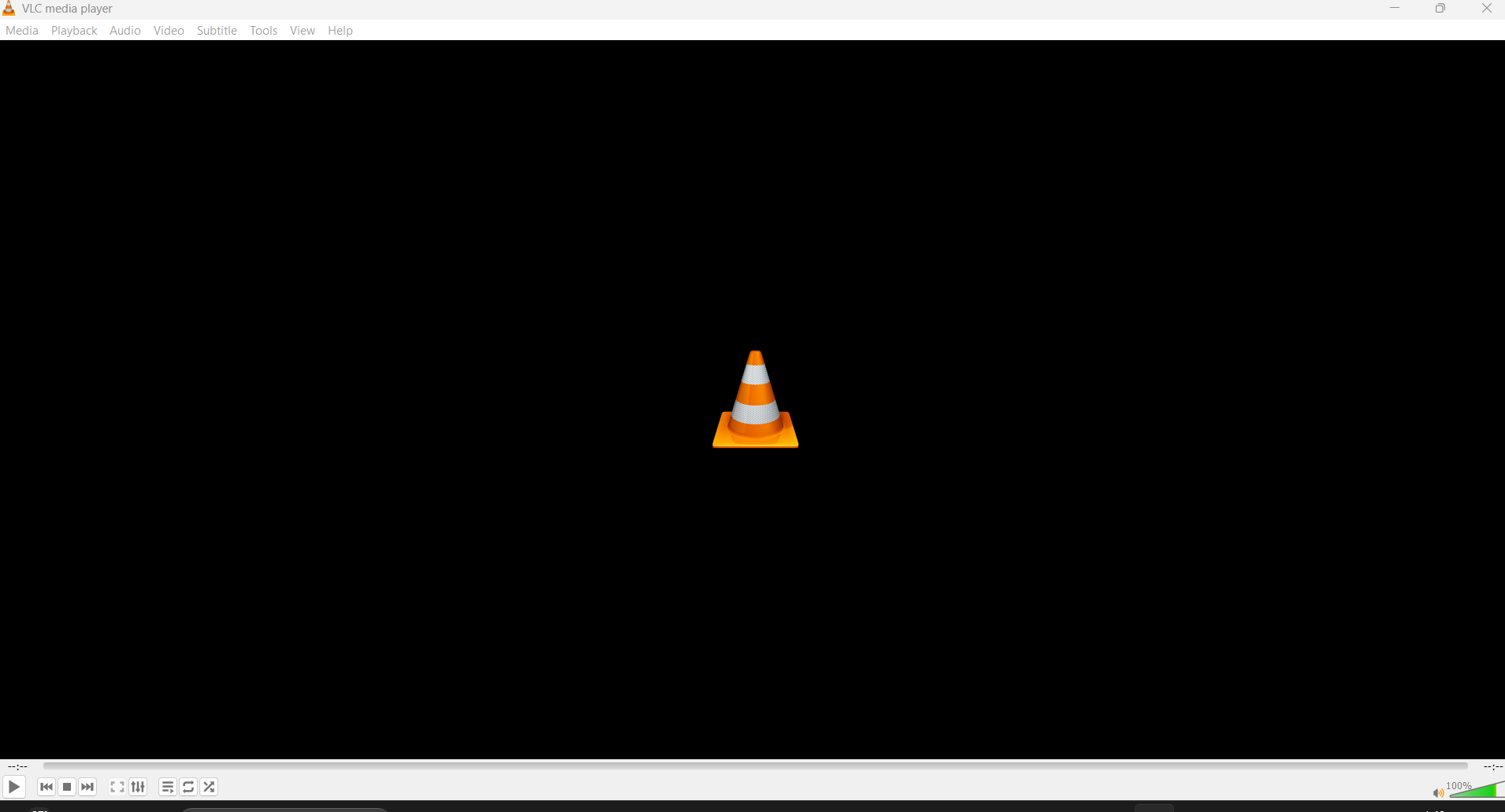
📸 VLC Interface playing a video
🚀 What is VLC Media Player?
VLC is a multi-format media player developed by VideoLAN — a French non-profit organization. First released in 2001, it relies on the powerful libVLC libraries.
Used by over 1 billion users worldwide, it is considered the number one player in its field. Available on all operating systems: Windows, macOS, Linux, Android, iOS.
✨ Main Features in Detail
1. Support for All Formats
VLC supports over 1000 video and audio formats. You don't need to install extra codecs — everything is ready. From MP4 to MKV, from MP3 to FLAC — everything works.
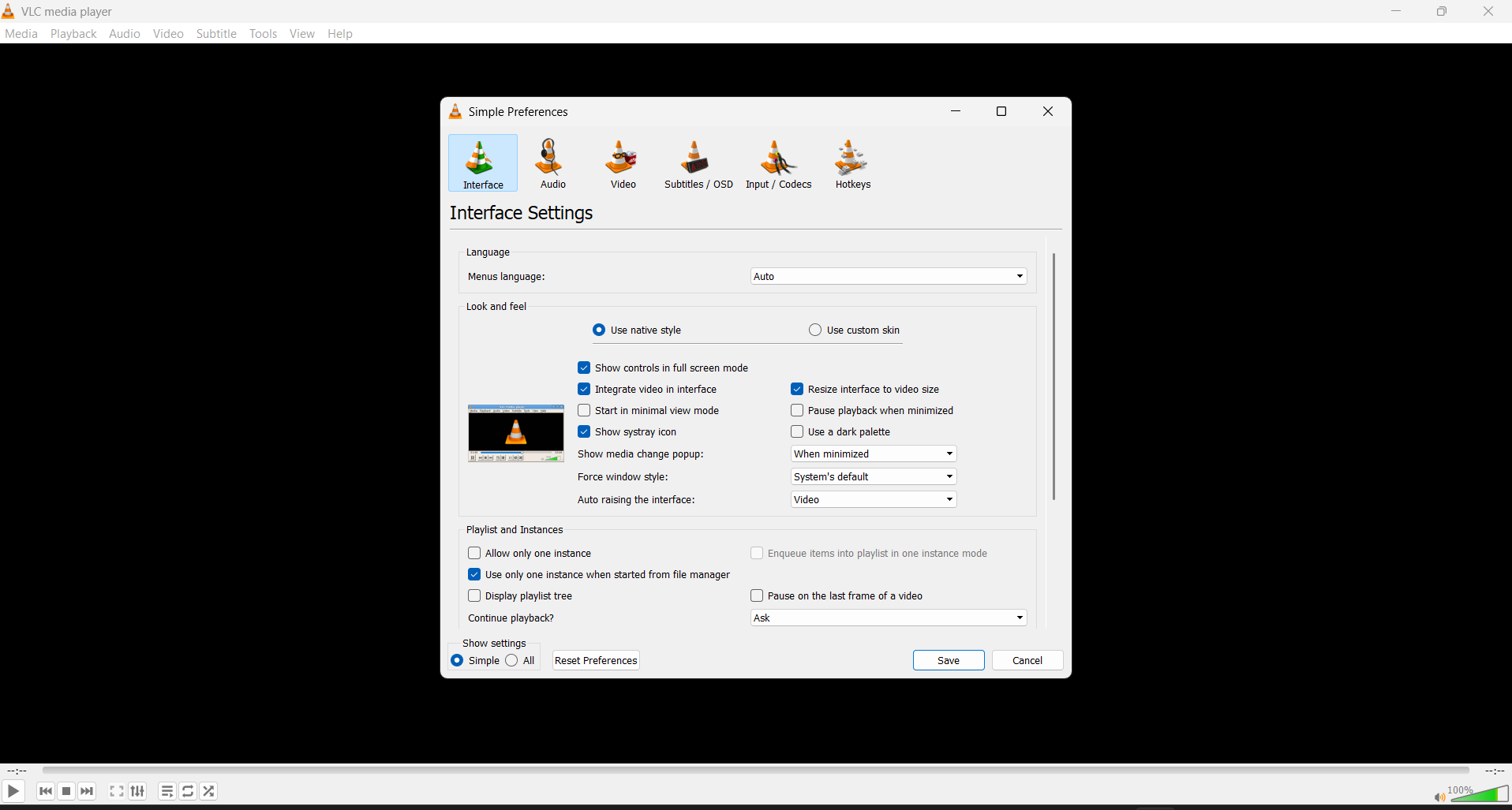
📸 Settings Page
2. Amazing Extensions
VLC supports a wide library of extensions. Some you might need:
- VLSub: Automatically download subtitles.
- YouTube Playlist: Play YouTube playlists.
- Time: Display real-time.
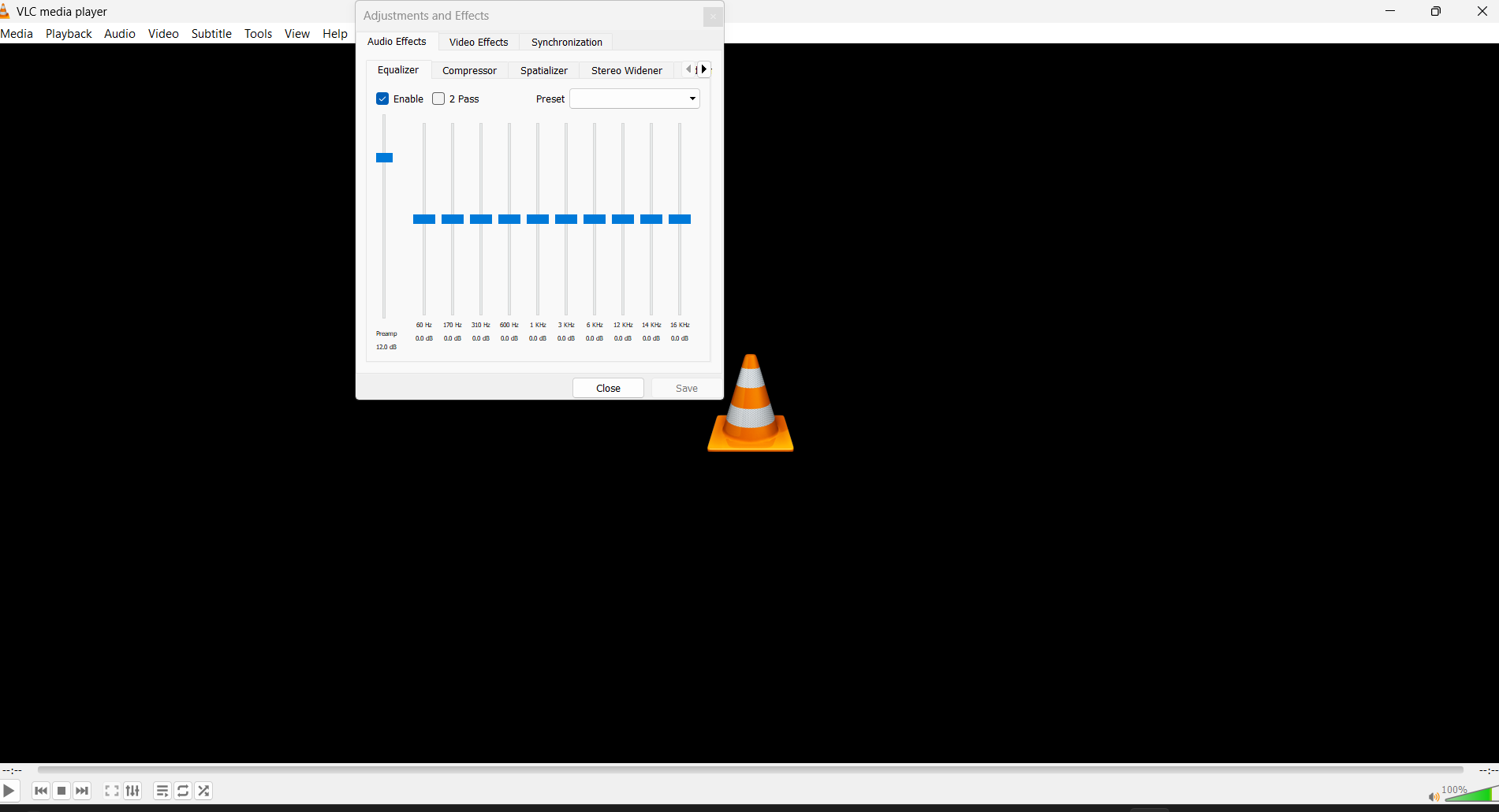
- Audio Effects: Enhance audio.
📸 Effects & Filters
3. Practical Experience
To confirm VLC plays everything, I tried playing a video from my website. The result:
📸 Empty Interface

⚠️ Honest Drawbacks
No program is perfect. Here's what I honestly dislike about VLC:
1. Old Interface
VLC's interface is simple and old compared to modern players. But this can be a feature — simplicity.
2. Difficulty Finding Some Settings
With many options, it can be hard to find a specific setting. Takes time to get used to.
3. Performance on Weak Devices
On old devices, VLC may consume more resources than necessary.
⚖️ VLC vs Alternatives
| Criterion | VLC | Windows Media Player | MPC-HC |
|---|---|---|---|
| Format support | ⭐⭐⭐⭐⭐ | ⭐⭐⭐ | ⭐⭐⭐⭐ |
| Free | ✅ Yes | ✅ Yes | ✅ Yes |
| Open source | ✅ Yes | ❌ No | ✅ Yes |
| Extensions | ⭐⭐⭐⭐⭐ | ⭐⭐ | ⭐⭐⭐ |
| Verdict | Best | Basic | Good alternative |
💡 Pro Tips
- Use keyboard shortcuts: Space to pause, F for fullscreen.
- Adjust advanced settings: Tools → Preferences → All.
- Enable Hardware Decoding: To speed up playback on weak devices.
- Use VLSub: To automatically download subtitles.
- Try Streaming: To stream video to TV or other devices.
- Update VLC: New versions carry security improvements.
- Use playlists: To organize your library.
❓ FAQ
Is VLC completely free?
Yes, VLC is 100% free, no paid versions. VideoLAN is a non-profit organization.
Does VLC play 4K and 8K formats?
Yes, VLC fully supports 4K, 8K, and HDR.
Can I use VLC to convert formats?
Yes, VLC has a built-in format converter. From Media → Convert/Save.
Is VLC safe?
Yes, VLC is very safe. It receives regular security updates from VideoLAN.
What are the best VLC extensions?
VLSub for subtitles, YouTube Playlist for YouTube, Audio Effects for sound enhancement.
Does VLC support Arabic subtitles?
Yes, VLC supports Arabic subtitles with high efficiency. Even embedded subtitles.
🎯 Conclusion: Do I Recommend VLC?
After years of use, the answer: Yes, absolutely. VLC is the player that deserves to be on every device. An important and advanced program with great extensions and modern features not found elsewhere.
I recommend VLC if you:
- Want a player that plays all formats.
- Are looking for a free, open-source program.
- Want advanced features (Streaming, Conversion).
- Need great extensions (VLSub for subtitles).
VLC may not suit you if:
- You're looking for a modern, stylish interface.
- You use very weak devices.
⬇️ Download VLC Media Player
⚠️ Disclaimer: The link below leads to the official website. We do not host any files.
🌐 Visit Official Siteℹ️ Program Info
- 🖥️ OS: Windows, macOS, Linux, Android, iOS
- 🏷️ Category: Multi-format Media Player
- 💰 Price: Completely free
- 🔗 Developer: VideoLAN
- 📅 First release: 2001
- ⭐ Rating: 4.9/5
✍️ By: Abdulhamid Al-Bakdali, Mosul, Iraq 🇮🇶 — SmartWeb.