Google Chrome Review 2026: My Complete 15-Year Experience
After 15 years of daily use — everything you need to know
Looking for the best web browser? After 15 years of daily use of Google Chrome, I can confidently say: it's the browser that completely changed how I browse the internet. In this article, I share my real experience with Chrome — features I loved, drawbacks that annoyed me, and the best extensions I can't work without.
🎯 My Personal Experience with Chrome
I started using Chrome over 15 years ago, and never thought of switching. I use it all day long — for work, learning, entertainment, and managing my website.
What I loved from day one:
- Fast search: I can search Google directly from the address bar.
- Variety: Millions of extensions for every need.
- Excellent extensions: Professional tools not found in other browsers.
- Massive settings: Full control over every detail.
- Sync: All my data synced across devices.
What annoyed me:
- Memory usage: Opening 30+ tabs consumes a lot of RAM.
- Privacy: Google collects a lot of browsing data.
📸 Chrome Interface
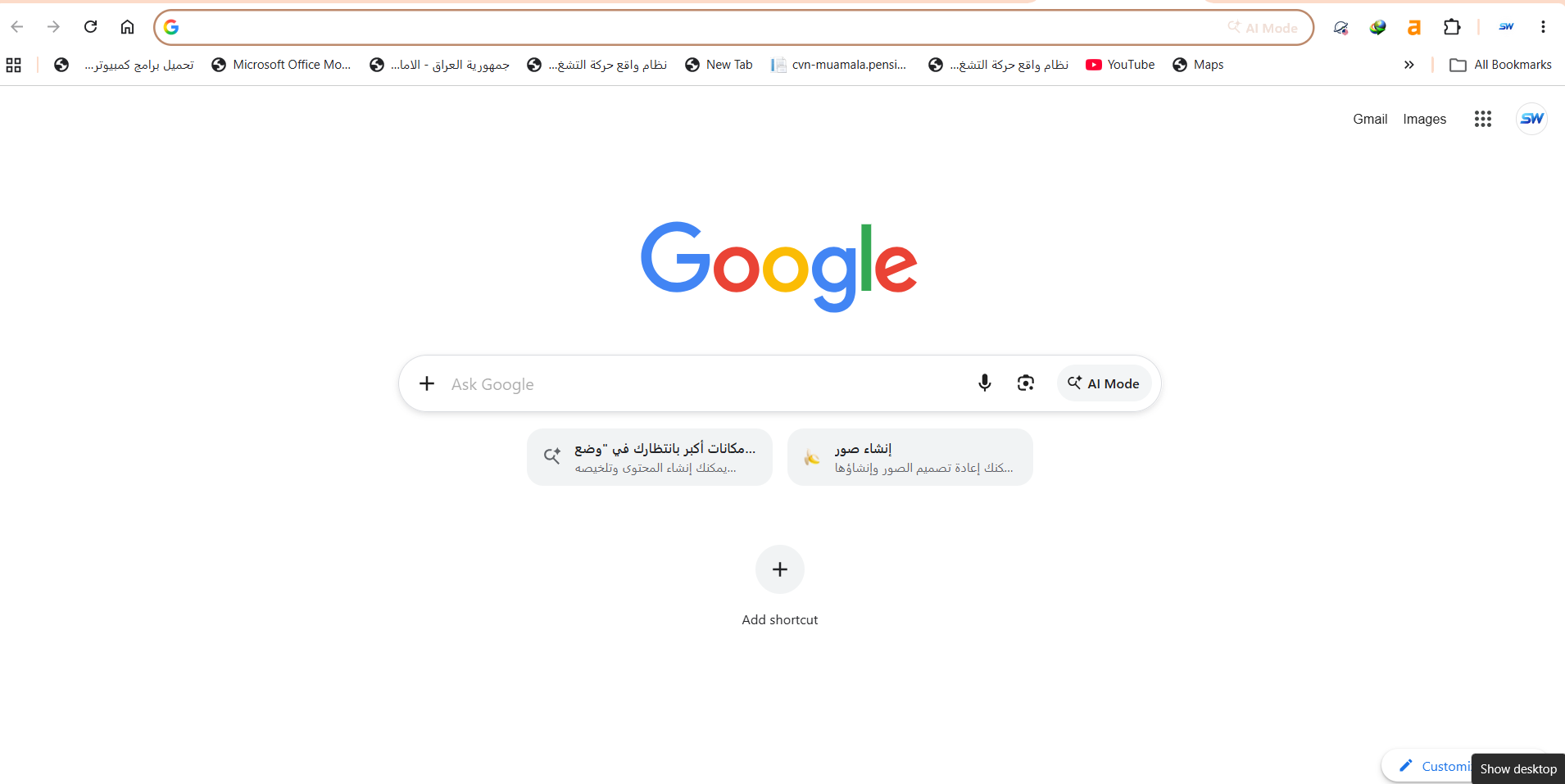
🚀 What is Google Chrome?
Google Chrome is a free web browser developed by Google, first released in 2008. It uses the Blink engine and is used by over 3.5 billion people worldwide — more than 65% of internet users.
Chrome is available on all operating systems: Windows, macOS, Linux, Android, iOS.
✨ Main Features in Detail
1. Speed and Performance
Chrome is very fast at loading pages and executing JavaScript. The famous V8 engine makes it faster than most browsers for running web apps.
2. Extensions
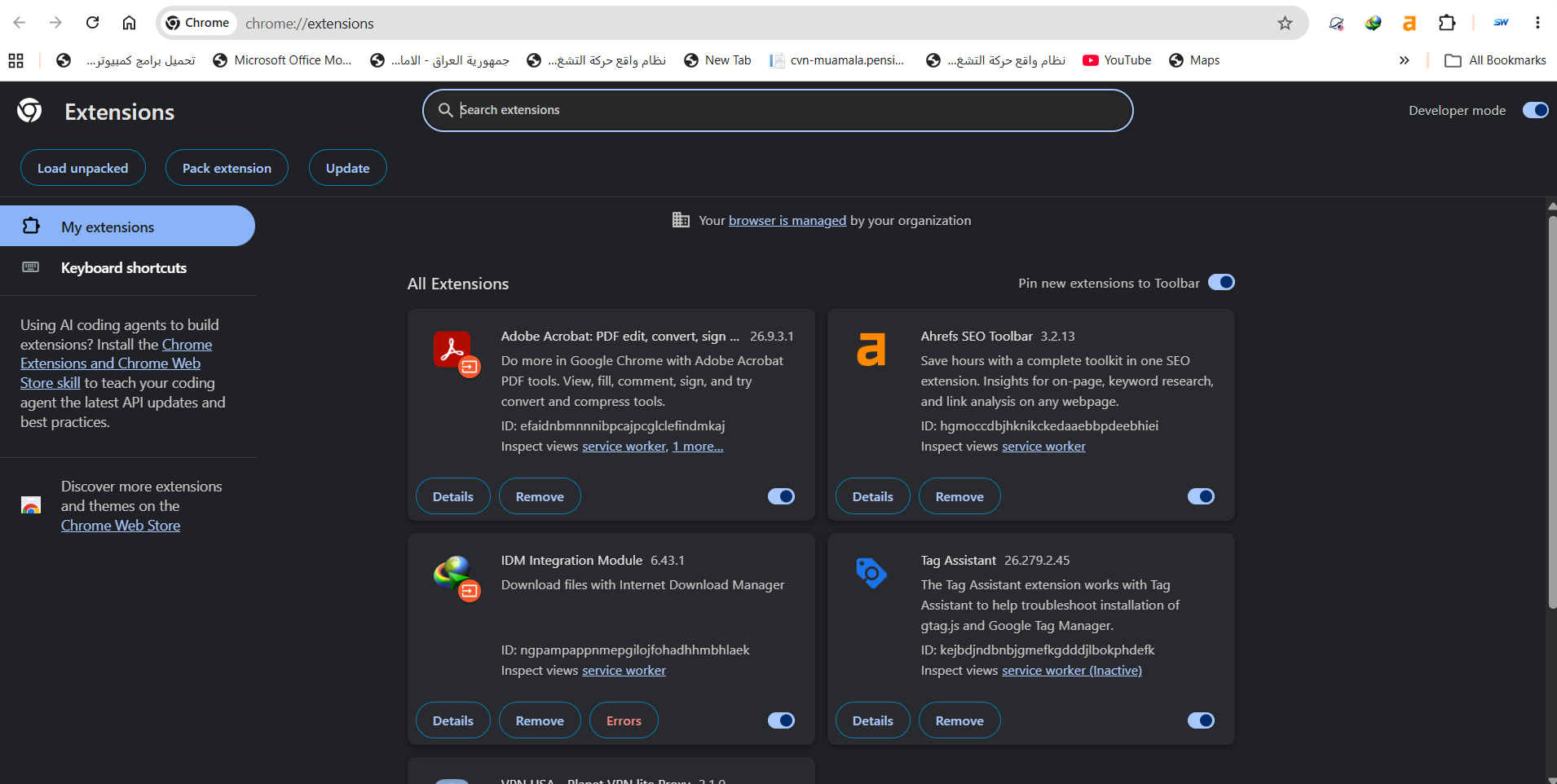
The Chrome Web Store has over 200,000 extensions. Extensions I use daily:
- Adobe Acrobat: Edit PDF files in-browser.
- Ahrefs SEO Toolbar: Professional SEO tool.
- IDM Integration: Speed up downloads.
- Tag Assistant: Inspect Google Tag Manager codes.
- VPN USA: Protect my privacy.
📸 Extensions Page
3. Huge Settings
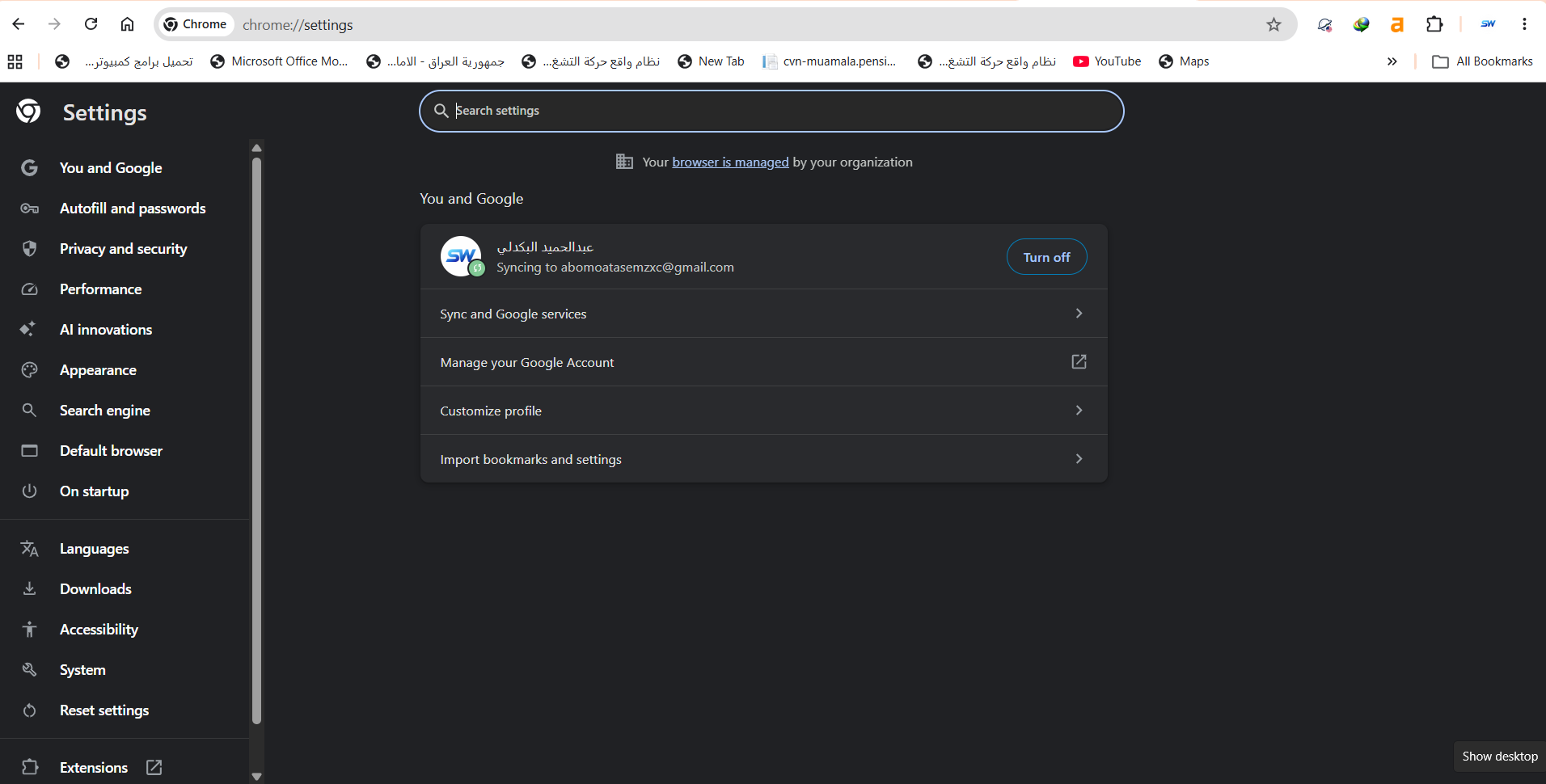
You can customize everything in Chrome — from appearance to default search engine to advanced privacy settings.
📸 Settings Page
4. Cross-Device Sync
Sign in with a Google account and everything syncs automatically: bookmarks, passwords, history, extensions, and even open tabs.
⚠️ Honest Drawbacks
No software is perfect. Here's what I honestly dislike about Chrome:
1. High Memory Usage
Chrome allocates a process per tab, consuming lots of RAM. With 30+ tabs open, my machine slows down.
2. Privacy
Google collects browsing data for advertising. You can disable some options, but not all.
3. Laptop Battery
Chrome drains battery more than Firefox or Edge on laptops.
⚖️ Google Chrome vs Alternatives
| Criterion | Chrome | Firefox | Edge |
|---|---|---|---|
| Speed | ⭐⭐⭐⭐⭐ | ⭐⭐⭐⭐ | ⭐⭐⭐⭐⭐ |
| Extensions | ⭐⭐⭐⭐⭐ | ⭐⭐⭐⭐ | ⭐⭐⭐⭐ |
| Privacy | ⭐⭐⭐ | ⭐⭐⭐⭐⭐ | ⭐⭐⭐⭐ |
| Memory | ⭐⭐⭐ | ⭐⭐⭐⭐ | ⭐⭐⭐⭐ |
| Verdict | Best | For privacy | Fastest |
💡 Pro Tips From My Experience
- Enable sync: Sign in with Google to sync everything.
- Use extensions wisely: Don't install more than 10.
- Clean tabs regularly: Use "tab freeze".
- Use Incognito: For private browsing.
- Use shortcuts: Ctrl+T for new tab, Ctrl+Shift+T to restore.
- Audit extensions: Remove unused ones.
- Update Chrome: New versions bring security fixes.
❓ FAQ
Is Google Chrome completely free?
Yes, 100% free. No paid version. All features are available to everyone.
Is Chrome safe?
Yes, one of the safest browsers. Regular security updates and advanced protection.
Does Chrome use a lot of data?
Moderate usage. Enable "Data Saver" to reduce consumption.
Can I use Chrome without a Google account?
Yes, but sync won't work. You can use it as a guest.
Best Chrome extensions?
For productivity: Todoist, Notion Web Clipper. For security: uBlock Origin, HTTPS Everywhere.
🎯 Conclusion: Do I Recommend Google Chrome?
After 15 years of daily use, the answer is clear: Yes, absolutely. Chrome is the best browser for most users.
I recommend Chrome if you:
- Want speed and high performance.
- Want countless professional extensions.
- Need multi-device sync.
- Use Google services (Gmail, Drive, YouTube).
I don't recommend Chrome if you:
- Care deeply about privacy (use Firefox or Brave).
- Use a low-spec device.
- Need long battery life.
⬇️ Download Google Chrome
⚠️ Disclaimer: The link below leads to the official website. We do not host any files.
🌐 Visit Official Siteℹ️ Program Info
- 🖥️ OS: Windows, macOS, Linux, Android, iOS
- 🏷️ Category: Web Browser
- 💰 Price: Completely free
- 🔗 Developer: Google
- 📅 First release: 2008
- ⭐ Rating: 4.7/5
✍️ By: Abdulhamid Al-Bakdali, Mosul, Iraq 🇮🇶 — Chrome user for 15 years.