Overleaf Review 2026: The Best Cloud LaTeX Editor
Why is Overleaf the first choice for researchers and graduate students? And how do you start using it for free?
If you are a master's or PhD student, or a researcher writing scientific papers, you have certainly heard of LaTeX. And if you have heard of LaTeX, you have certainly heard of Overleaf. It is the cloud editor that changed the rules of the game, making writing complex research possible from any device without installing heavy software. In this review, I share my experience with Overleaf and how to download and benefit from it.
🎯 My Personal Experience with Overleaf
Overleaf is the real savior. Instead of struggling with Word formatting that suddenly collapses, Overleaf provides a clean writing environment based on code (like programming) that outputs a professional PDF ready for publication.
What I loved:
- Fully cloud-based: No need to download anything, works from the browser.
- Live collaboration: Write with your supervisor or colleagues at the same time.
- Ready templates: Hundreds of templates for scientific journals and universities.
- Backup: Automatically saves your files so you never lose your work.
- LaTeX support: The best editor for writing math equations.
What annoyed me:
- Requires internet: You cannot work offline (except in the paid version).
- Learning curve: Takes time to understand LaTeX if you don't know it.
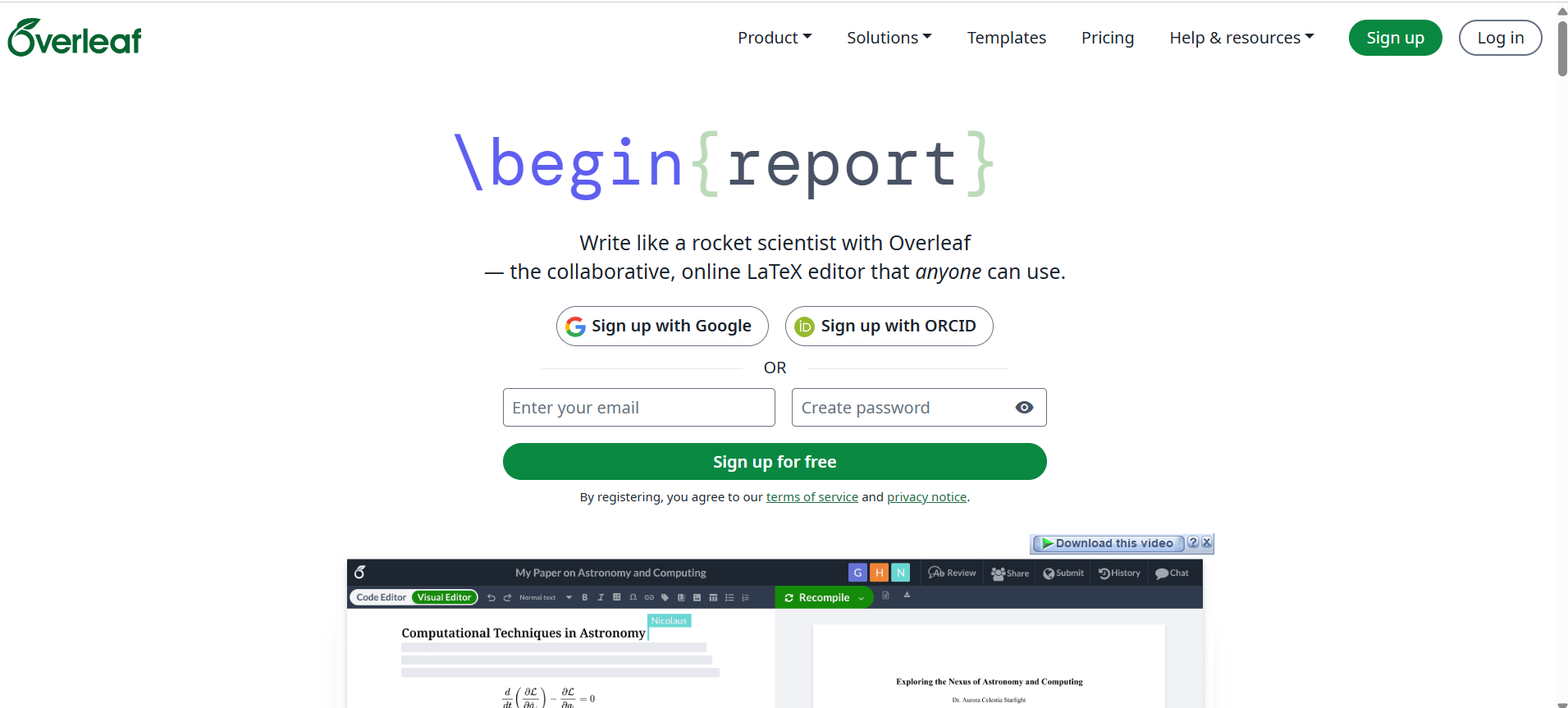
📸 Overleaf Homepage
🚀 What is Overleaf?
Overleaf is a cloud-based text editor specialized in LaTeX. Launched in 2012 and now owned by Digital Science, it is used by millions of researchers and students worldwide.
The beauty of Overleaf is that it is free for basic use, with paid plans for advanced features. It works on any browser: Windows, macOS, Linux, Android, iOS.
✨ Main Features in Detail
1. Live LaTeX Editor
The Overleaf interface is split in half: on the right you write code, on the left you see the result (PDF) live. This makes learning and editing easier.
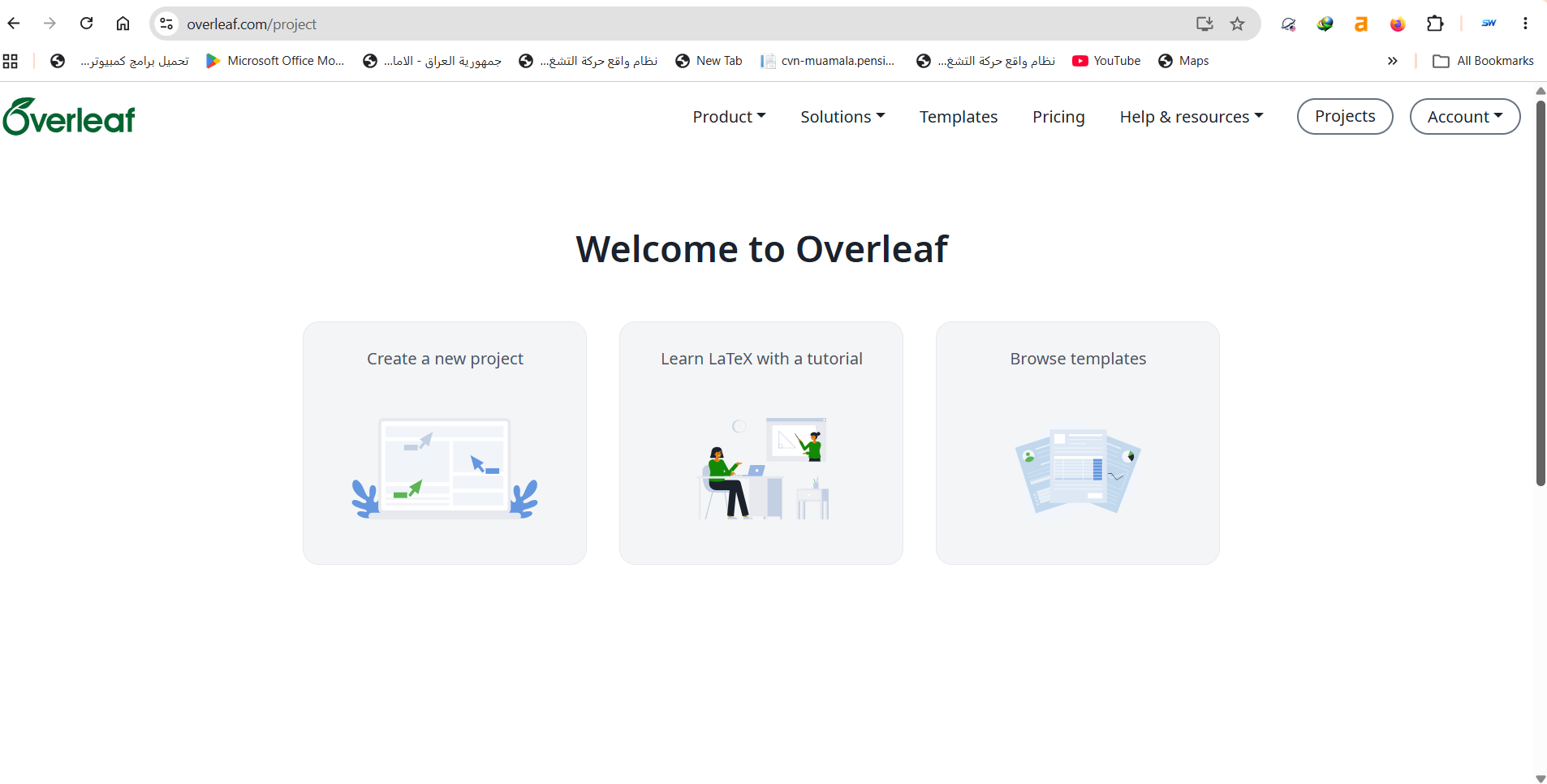
📸 Learn LaTeX Page
2. Ready Templates
Overleaf has a huge library of ready templates, whether for universities (like Baghdad or Cairo University templates) or scientific journals (like IEEE, Springer). Just choose a template and start writing.
📸 Sign up Page

3. Collaboration
You can share your project with one link. You and your supervisor can edit the same file at the same time, with built-in chat.
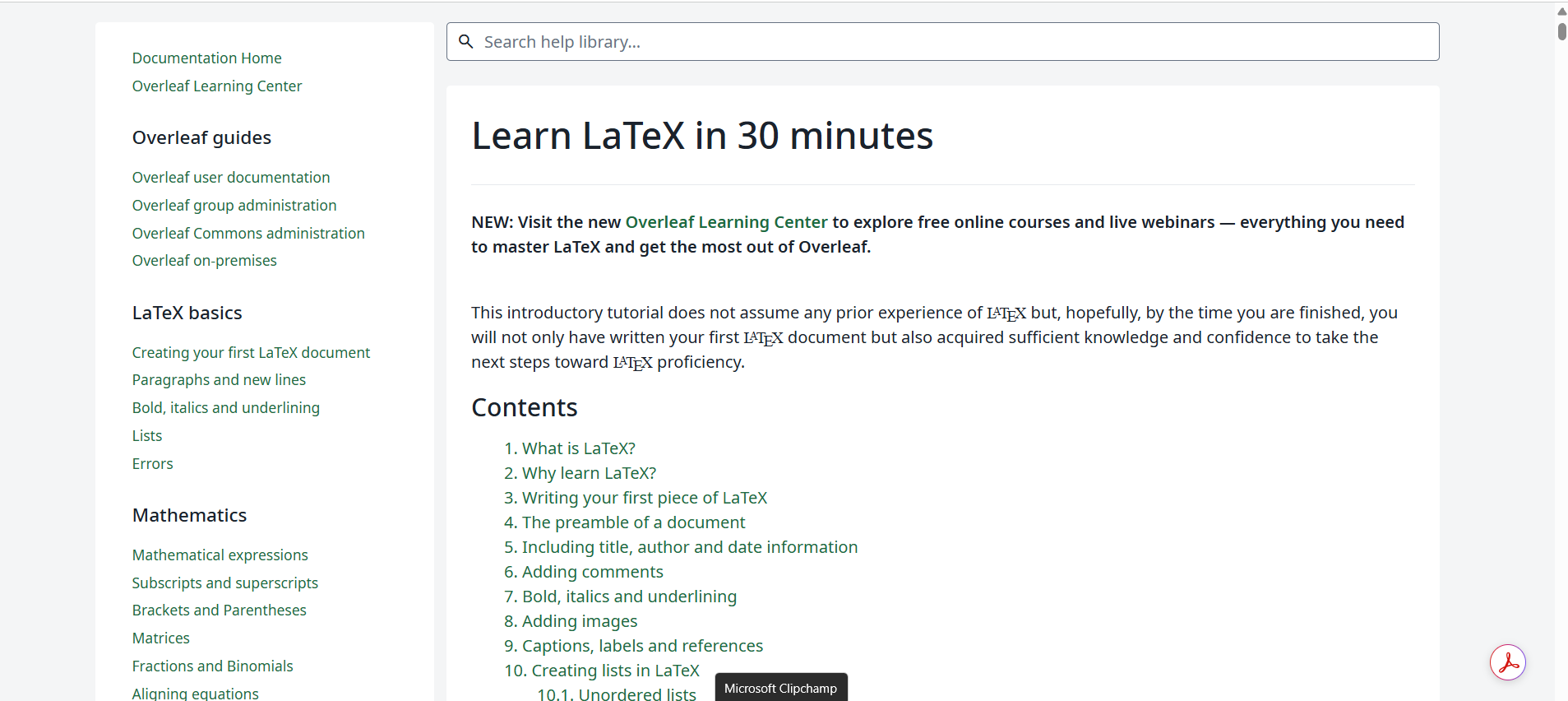
📸 Recompile Feature Explanation
4. History
Made a mistake and deleted a whole chapter? Don't worry. Overleaf keeps a log of all edits, allowing you to return to any previous version with one click.
⚠️ Honest Drawbacks
No program is perfect. Here's what I honestly dislike about Overleaf:
1. Internet Dependency
If the internet disconnects, you cannot work (except in the paid version that allows offline work).
2. Compilation Lag
In very large projects (like theses with hundreds of images), generating the PDF may take a few seconds. But it is improving.
3. Limited Free Version
The free version allows collaboration with only one person and limited projects. For intensive use, you need the paid version.
⚖️ Overleaf vs Microsoft Word
| Criterion | Overleaf (LaTeX) | MS Word |
|---|---|---|
| Math equations | ⭐⭐⭐⭐⭐ (Perfect) | ⭐⭐ (Hard) |
| Auto formatting | ⭐⭐⭐⭐⭐ (Accurate) | ⭐⭐ (Breaks often) |
| Ease of use | ⭐⭐ (Needs learning) | ⭐⭐⭐⭐⭐ (Very easy) |
| Cloud work | ✅ Yes (Core) | ✅ Yes (OneDrive) |
| Verdict | For scientific research | For general documents |
💡 Pro Tips
- Start with a template: Don't start from a blank page, choose from the library.
- Learn the basics: You don't need to memorize everything, search for LaTeX code when needed.
- Use Git: You can link GitHub for backup (in the paid version).
- Enable dark mode: Comfortable for the eyes during long writing sessions.
- Save a PDF: Before any major edit, download a PDF version of your work.
❓ FAQ
Is Overleaf free?
Yes, there is a Free Plan that allows unlimited projects but only allows collaboration with one person per project.
How do I download Overleaf on my computer?
Overleaf is a web-based program, so you don't need to download it. Open your browser, go to its website, and use it directly. However, an "Offline" version is available for paid plan subscribers.
Does it support Arabic?
Yes, Overleaf supports Arabic using the Polyglossia or ArabTeX package. However, you may need some configuration to set the text direction (RTL).
What is the best alternative to Overleaf?
Good alternatives include TeXstudio (local program), Google Docs (for simplicity), and Authorea. But Overleaf remains the easiest and best for collaboration.
🎯 Conclusion: Do I Recommend Overleaf?
After years of use, the answer: Yes, absolutely. Overleaf is the perfect tool for every researcher and graduate student. If you write research or scientific papers, it is worth trying.
I recommend Overleaf if you:
- Are writing a master's or PhD thesis.
- Want easy collaboration with your supervisor.
- Need to write complex math equations.
Overleaf may not suit you if:
- You are looking for a simple program to write a normal document.
- You work offline all the time.
⬇️ Go to Overleaf
⚠️ Disclaimer: The link below leads to the official website. We do not host any files.
🌐 Sign up and start for freeℹ️ Program Info
- 🖥️ OS: Web (Browser)
- 🏷️ Category: Text Editor / LaTeX
- 💰 Price: Free (with paid options)
- 🔗 Developer: Digital Science
- 📅 First release: 2012
- ⭐ Rating: 4.8/5
✍️ By: Abdulhamid Al-Bakdali, Mosul, Iraq 🇮🇶 — SmartWeb.