Download Audacity 2026: The Best Free Audio Editor
Why is Audacity the top choice for podcasters and musicians? And how do you start recording for free?
In the world of audio, there is one program that stands above the rest: Audacity. A free, open-source program used by millions worldwide to record podcasts, edit music, and remove noise. In this review, I share my experience with Audacity and how to download it and start right away.
🎯 My Personal Experience with Audacity
Audacity is the program I recommend to anyone who wants to enter the world of audio from scratch. Its interface is very simple and doesn't distract you with complex tools you don't need at the beginning.
What I loved:
- 100% Free: No hidden fees or subscriptions.
- Open Source: You can modify it if you are a programmer.
- Supports all formats: From MP3 to WAV to FLAC.
- Effects library: Includes built-in tools for noise reduction and pitch shifting.
- Multi-track: You can mix multiple audio tracks at once.
What annoyed me:
- Old interface: The design is very simple and might look old to some (though update 4.0 improved it).
- Installation issues: Sometimes needs additional drivers for the microphone.
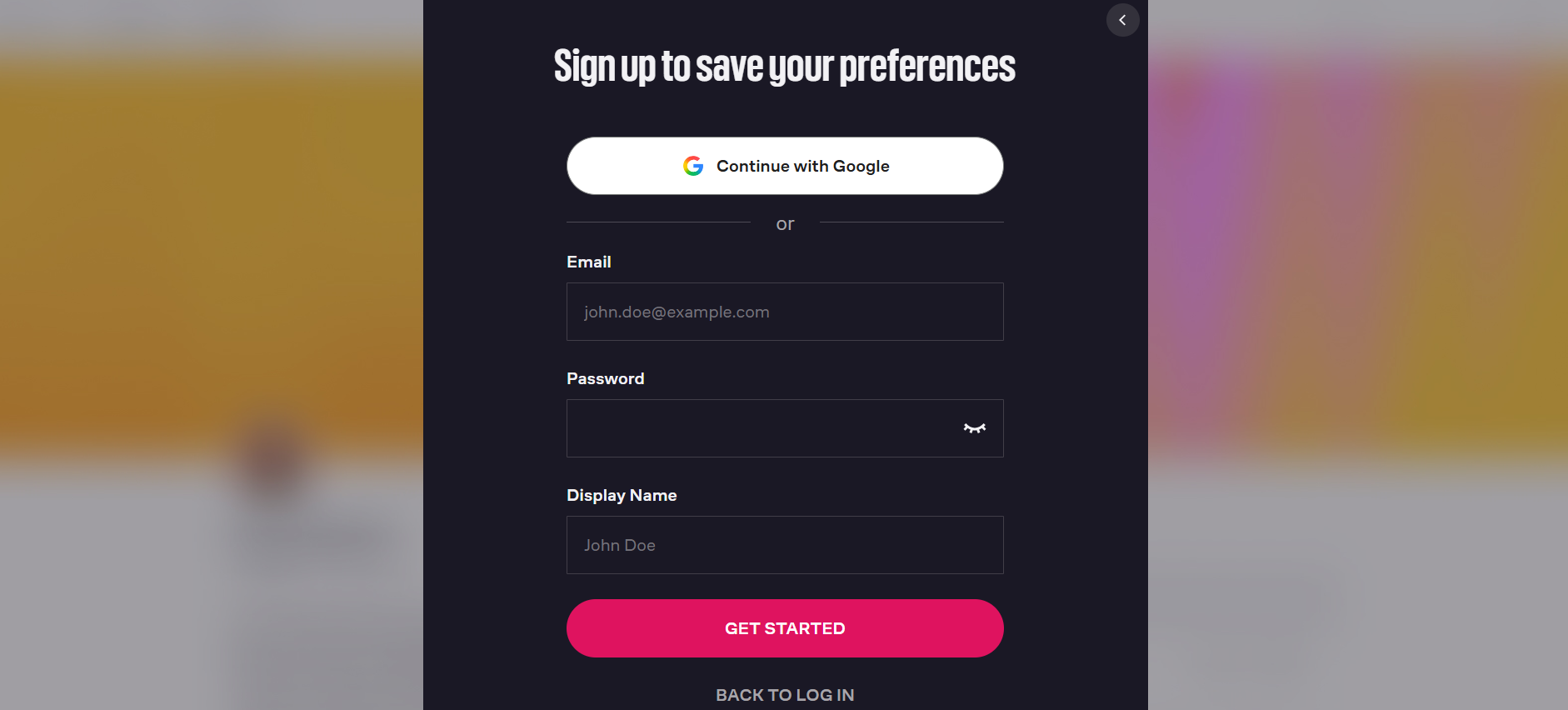
📸 Audacity Sign up Page
🚀 What is Audacity?
Audacity is a free, open-source audio recording and editing software. Launched in 1999 and now managed by the Audacity Foundation, it is used by millions worldwide.
The beauty of Audacity is that it's not limited to recording; it includes noise removal, audio quality enhancement, and even creating musical tones.
✨ Main Features in Detail
1. Multi-track Recording and Editing
You can record audio from a microphone or any external source, then cut, copy, paste, and mix it with other tracks.
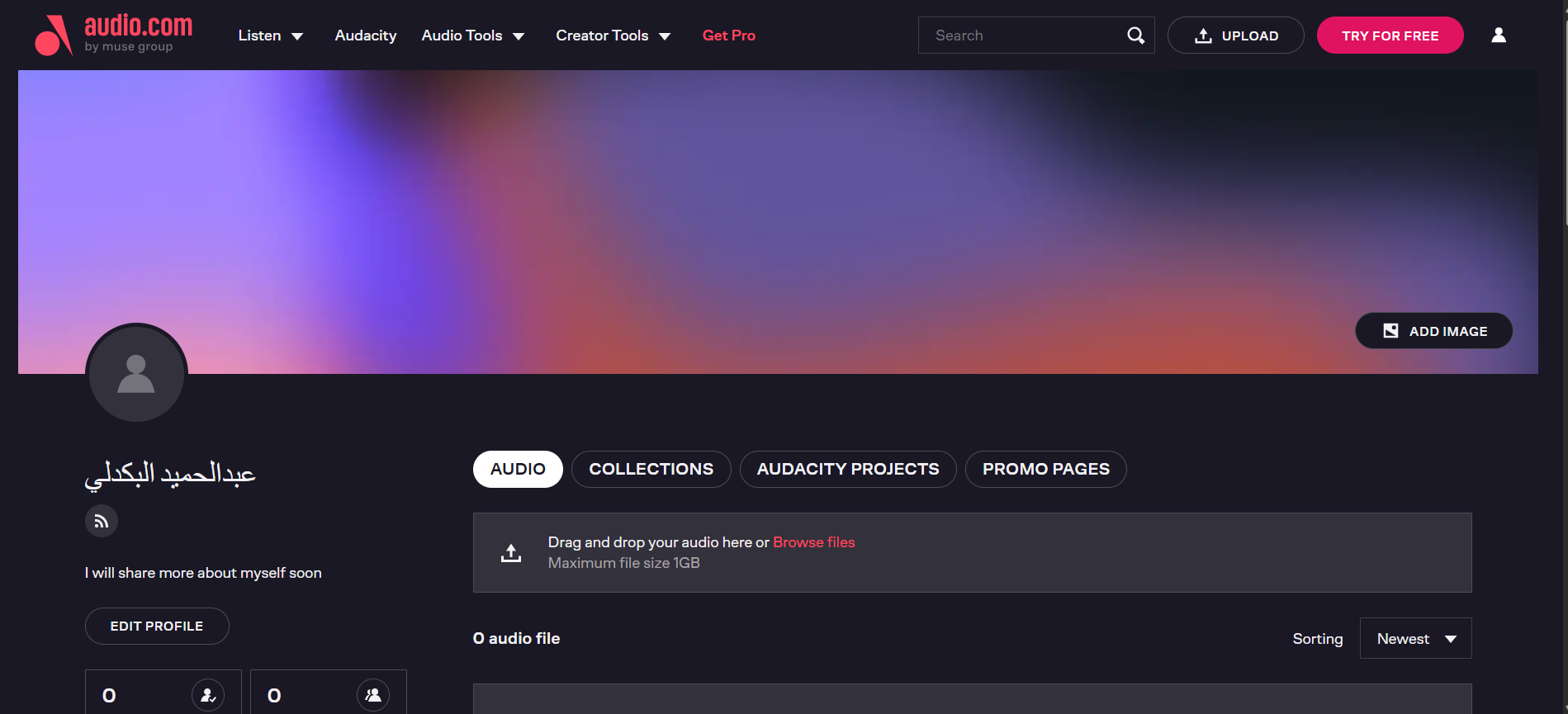
📸 Audacity Account Page
2. Wide Format Support
Audacity handles popular audio formats like WAV, MP3, FLAC, OGG, and more, making it very flexible.
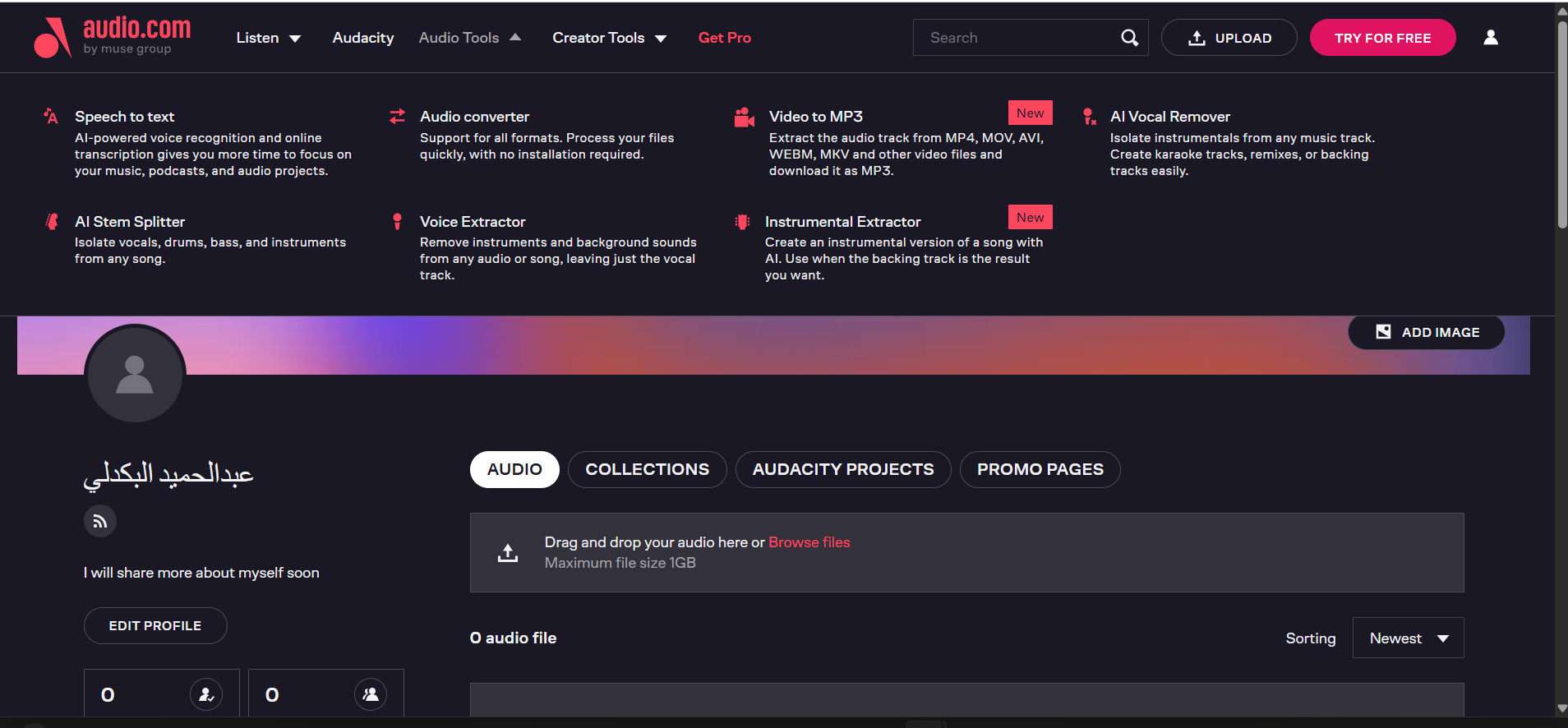
📸 AI Tools Page
3. Audio Effects Library
It includes built-in tools to remove noise, change pitch without changing speed, apply echo, and more.
⚠️ Honest Drawbacks
No program is perfect. Here's what I honestly dislike about Audacity:
1. Old Interface
Audacity's interface is simple and old compared to modern programs. But this can be a feature — simplicity.
2. Installation Issues
Sometimes needs additional drivers for the microphone. Takes time to get used to.
⚖️ Audacity vs Alternatives
| Criterion | Audacity | Adobe Audition | AudioMass |
|---|---|---|---|
| Price | ✅ Free | ❌ Paid (Expensive) | ✅ Free |
| Open source | ✅ Yes | ❌ No | ✅ Yes |
| Advanced Tools | ⭐⭐⭐⭐ (Good) | ⭐⭐⭐⭐⭐ (Pro) | ⭐⭐ (Limited) |
| Ease of use | ⭐⭐⭐ (Medium) | ⭐⭐ (Needs learning) | ⭐⭐⭐⭐ (Easy) |
| Verdict | For beginners & pros | For large studios | For quick edits |
💡 Pro Tips
- Learn keyboard shortcuts: They are the secret to speed in Audacity.
- Use Noise Reduction: From the Effect > Noise Reduction menu.
- Save your work constantly: Audacity does not save automatically.
- Use effects: Like Fade In and Fade Out.
- Try the new version: Audacity 4.0 has an improved interface.
❓ FAQ
Is Audacity really free?
Yes, it is an open-source and 100% free program, even for commercial use.
Can I use Audacity on mobile?
No, Audacity is only for computer systems (Windows, macOS, Linux).
Do I need a professional microphone?
No, you can use your laptop or phone microphone. Audacity will do the rest.
Does Audacity support Arabic?
Yes, Audacity's interface supports Arabic, and you can change the language from settings.
🎯 Conclusion: Do I Recommend Audacity?
After trying Audacity, the answer: Yes, absolutely. It is the tool every content creator deserves. If you want to enter the world of audio, don't hesitate to download it.
I recommend Audacity if you:
- Are starting to make podcasts.
- Want to edit simple audio files.
- Are looking for a free, open-source program.
Audacity may not suit you if:
- You are looking for a very modern interface (try Adobe Audition).
- You want to work from the browser (try AudioMass).
⬇️ Download Audacity
⚠️ Disclaimer: The link below leads to the official website. We do not host any files.
🌐 Visit Official Siteℹ️ Program Info
- 🖥️ OS: Windows, macOS, Linux
- 🏷️ Category: Audio Recording & Editing
- 💰 Price: Free (Open Source)
- 🔗 Developer: Audacity Foundation
- 📅 First release: 1999
- ⭐ Rating: 4.8/5
✍️ By: Abdulhamid Al-Bakdali, Mosul, Iraq 🇮🇶 — SmartWeb.