Download Tinkercad 2026: The Easiest 3D Design Software for Beginners
Why is Tinkercad the top choice for beginners in 3D? And how do you start designing from your browser?
If you want to enter the world of 3D design but are intimidated by complex software like Blender, Tinkercad is the perfect gateway for you. It is a browser-based, free program designed specifically to be very easy for beginners. In this review, I share my experience with Tinkercad and how to download it and start right away.
🎯 My Personal Experience with Tinkercad
Tinkercad is the program I recommend to anyone who wants to learn 3D design from scratch. Its interface is drag-and-drop, and you don't need to memorize complex codes or shortcuts.
What I loved:
- Works from the browser: No need to download or install anything.
- Completely free: You can use it without any fees.
- Very easy: Kids and beginners can use it in minutes.
- Ready shapes library: Contains ready-made shapes you can combine.
- 3D printing support: You can export your designs as STL files for printing.
What annoyed me:
- Requires internet: You cannot work offline.
- Limited tools: Not suitable for complex designs (use Blender for that).
📸 Tinkercad Interface
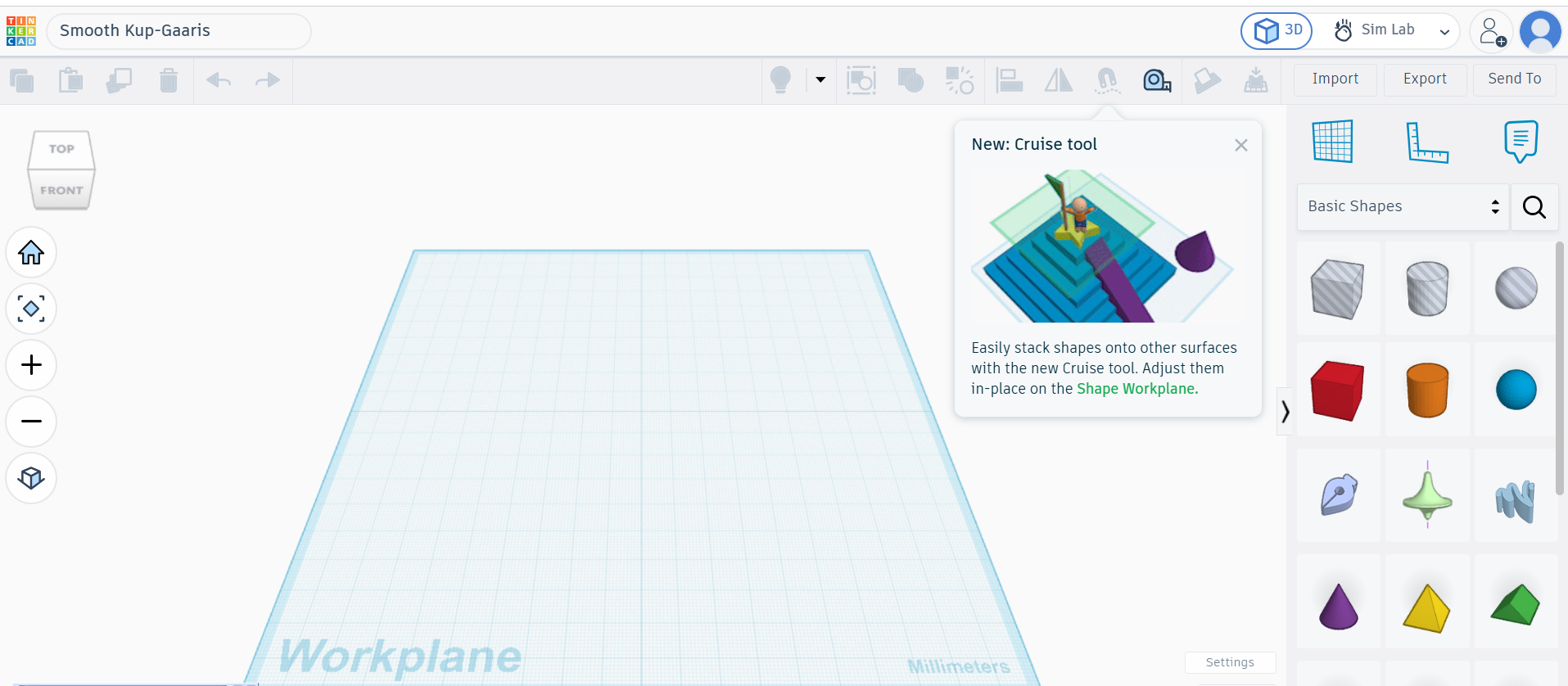
🚀 What is Tinkercad?
Tinkercad is a browser-based 3D design software, owned by Autodesk (which owns the famous AutoCAD). Launched in 2011, it is used by millions of beginners and students worldwide.
The beauty of Tinkercad is that it's not limited to design; it includes electronics (circuits), 3D printing, and even simple coding.
✨ Main Features in Detail
1. Drag and Drop
You can drag any shape (cube, sphere, cylinder) from the side menu and place it on the workplane. Then you can resize, shrink, or rotate it simply.
📸 Design Tools
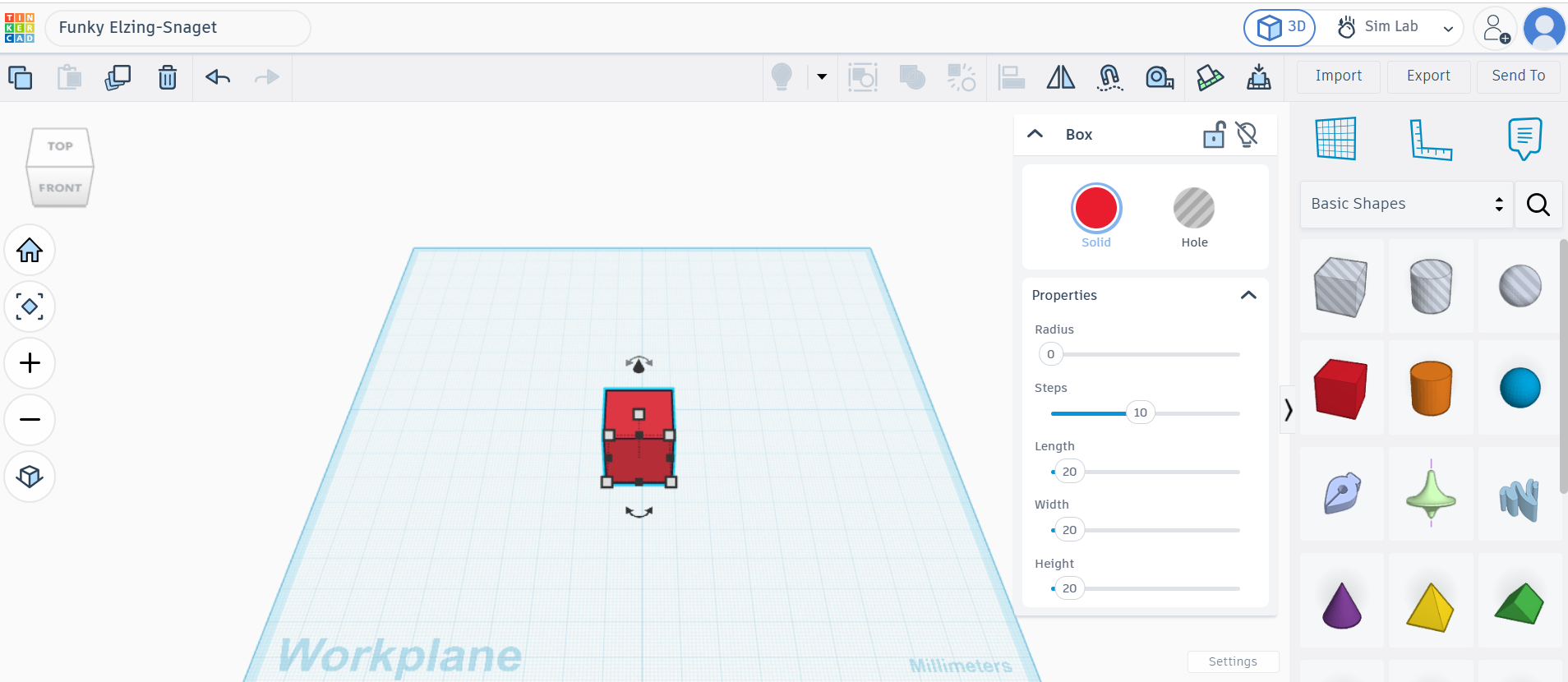
2. Ready Shapes Library
Tinkercad has a huge library of ready-made shapes (characters, animals, vehicles). Just pick a shape and place it in the design.
📸 Export Options
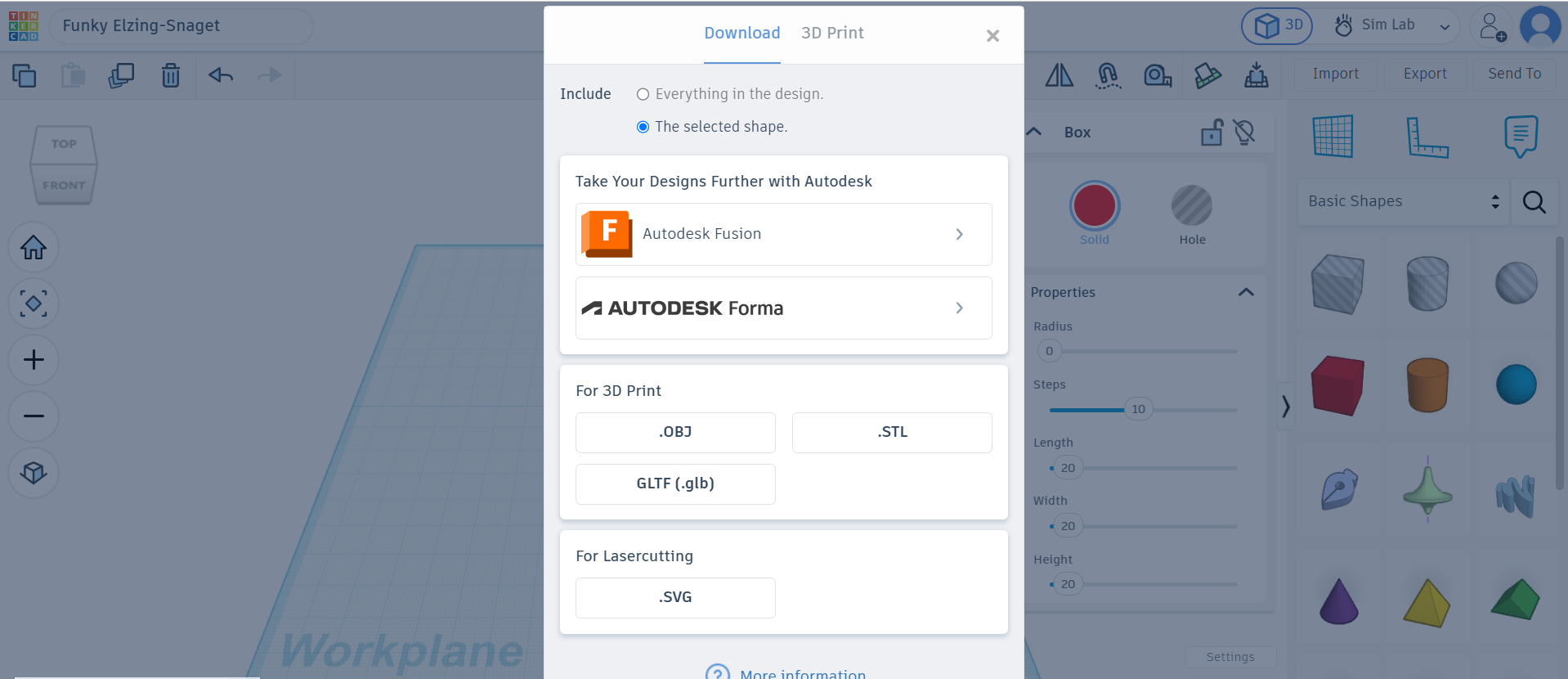
3. 3D Printing Support
After finishing the design, you can export it as an STL file and print it using any 3D printer.
⚠️ Honest Drawbacks
No program is perfect. Here's what I honestly dislike about Tinkercad:
1. Requires Internet
If the internet disconnects, you cannot work (because it runs from the browser).
2. Limited Tools
Not suitable for complex designs (like realistic characters). For complex designs, use Blender.
⚖️ Tinkercad vs Alternatives
| Criterion | Tinkercad | Blender | SketchUp |
|---|---|---|---|
| Price | ✅ Free | ✅ Free | ❌ Paid |
| Ease of use | ⭐⭐⭐⭐⭐ (Beginners) | ⭐⭐ (Hard) | ⭐⭐⭐ (Medium) |
| Browser-based | ✅ Yes | ❌ No | ✅ Yes (limited) |
| Advanced Tools | ⭐⭐ (Limited) | ⭐⭐⭐⭐⭐ (Pro) | ⭐⭐⭐⭐ (Good) |
| Verdict | For beginners | For pros | For architects |
💡 Pro Tips
- Start with small projects: Don't try to design a complex character on day one, start with a cube.
- Use the shapes library: Save time by using ready-made shapes.
- Try 3D printing: Export your design as an STL file.
- Learn from tutorials: There are thousands of free tutorials on YouTube.
- Create an account: To save your designs to the cloud.
❓ FAQ
Is Tinkercad really free?
Yes, it is a 100% free program, even for commercial use.
Can I use Tinkercad on mobile?
Yes, you can use it from your mobile browser, but it's better to use a computer.
Do I need a powerful device to run Tinkercad?
No, because it runs from the browser. Any internet-connected device is enough.
Does Tinkercad support 3D printing?
Yes, you can export your design as an STL file and print it using a 3D printer.
🎯 Conclusion: Do I Recommend Tinkercad?
After trying Tinkercad, the answer: Yes, absolutely. It is the perfect gateway to the world of 3D. If you are a beginner, don't hesitate to try it.
I recommend Tinkercad if you:
- Are a beginner and want to learn 3D design.
- Are looking for a free and lightweight program.
- Want to design simple things or 3D print them.
Tinkercad may not suit you if:
- You are looking for professional tools (use Blender).
- You work offline all the time.
⬇️ Go to Tinkercad
⚠️ Disclaimer: The link below leads to the official website. We do not host any files.
🌐 Sign up and start for freeℹ️ Program Info
- 🖥️ OS: Web (Browser)
- 🏷️ Category: 3D Design
- 💰 Price: Free
- 🔗 Developer: Autodesk
- 📅 First release: 2011
- ⭐ Rating: 4.6/5
✍️ By: Abdulhamid Al-Bakdali, Mosul, Iraq 🇮🇶 — SmartWeb.